 EU
EU
 UK
UK


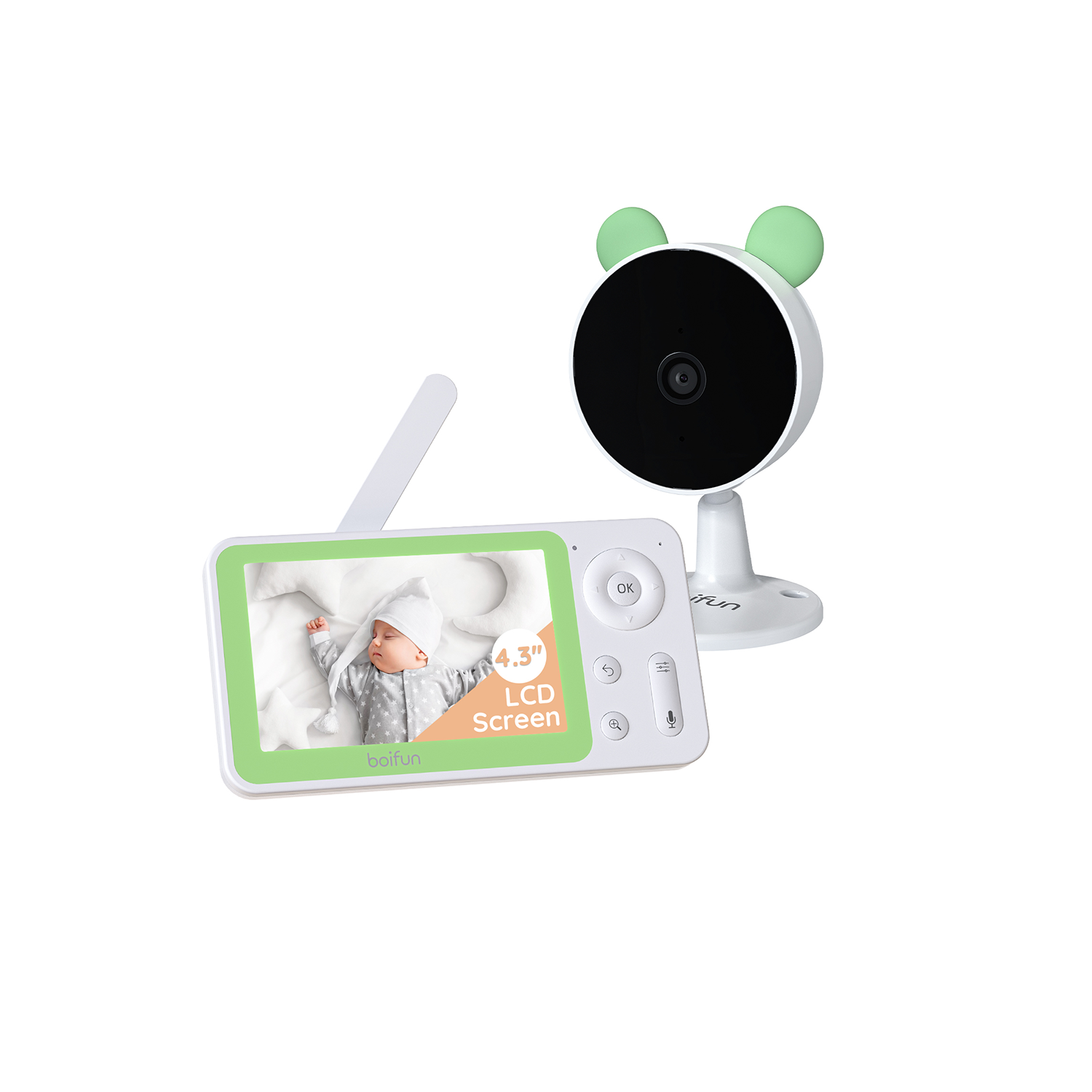
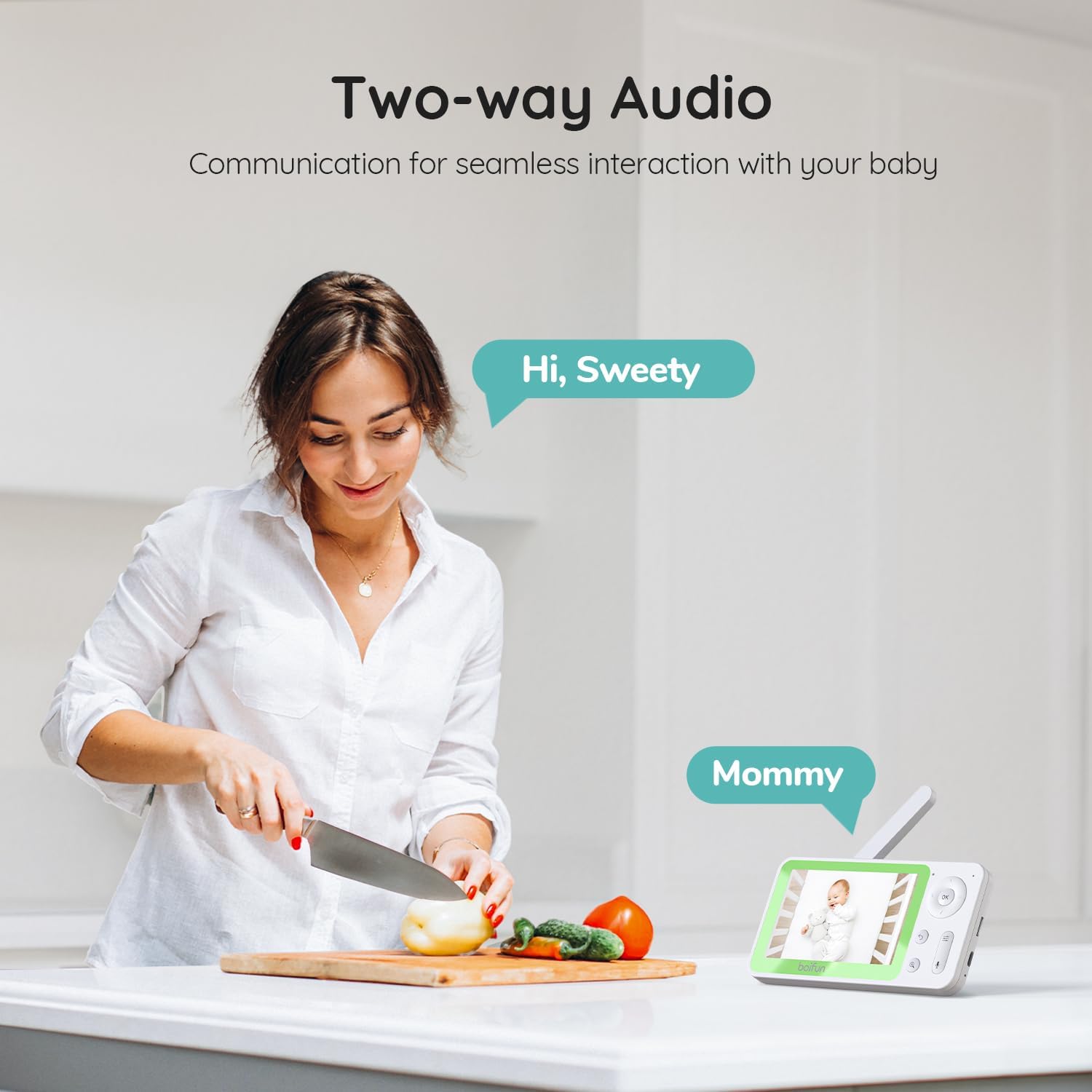
BOIFUN Smart Baby Monitor 7SM


BOIFUN Smart Baby Monitor 7SM

Advanced Baby Monitor Features
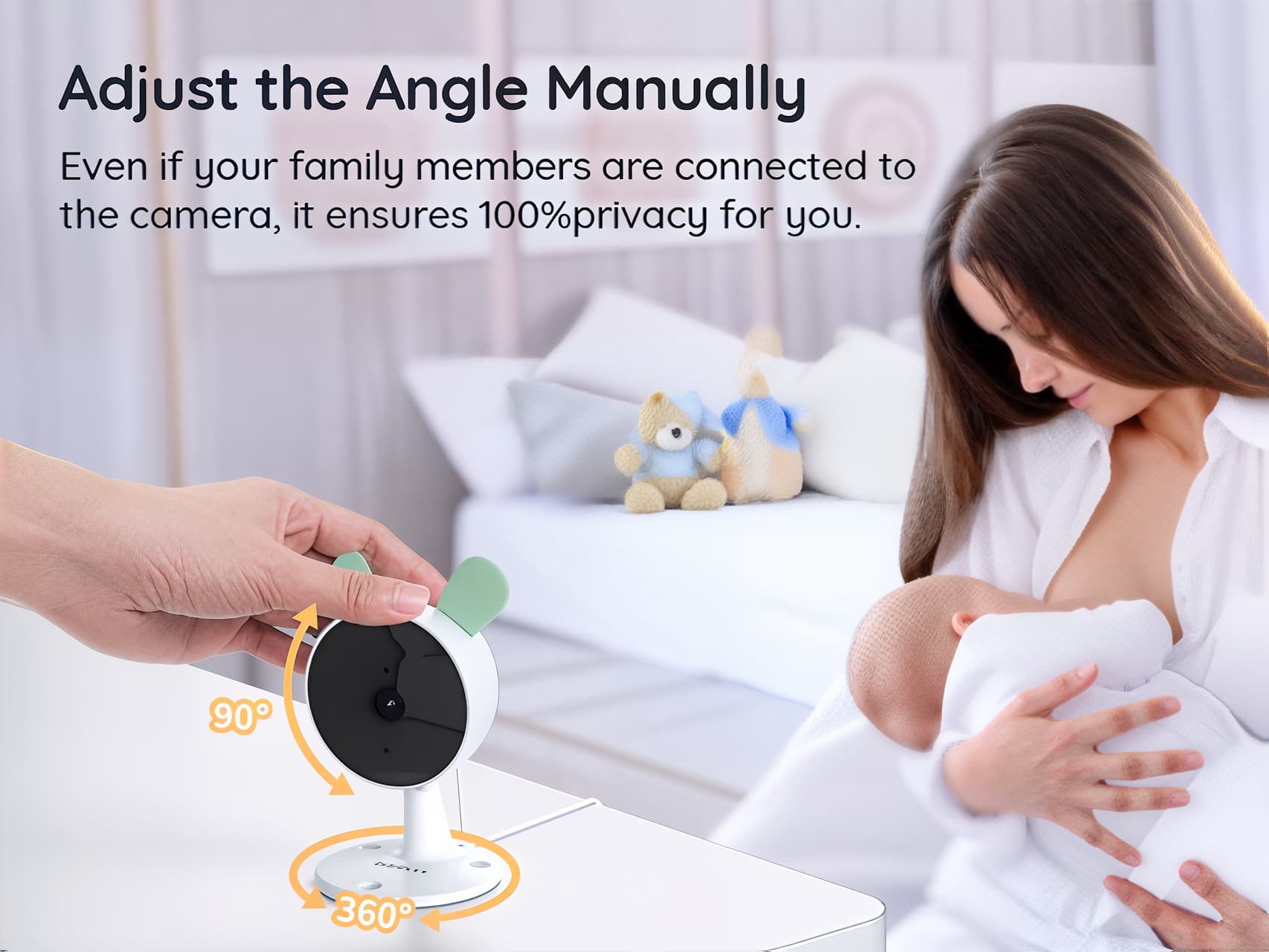
Adjust the Angle Manually
Even if your family members are connected tothe camera, it ensures 100%privacy for you.
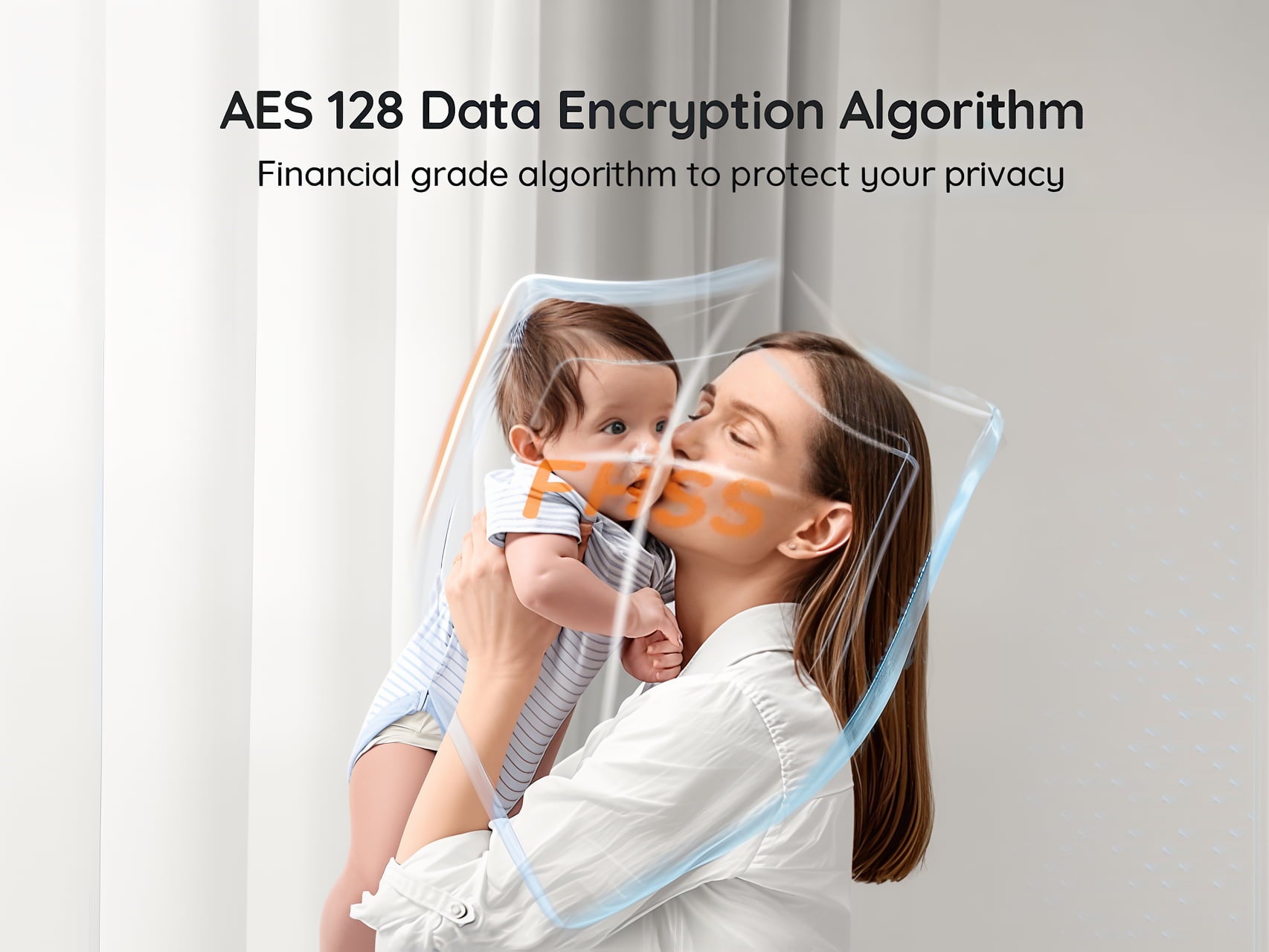
AES 128 Data Encryption Algorithm
Financial grade algorithm to protect your privacy
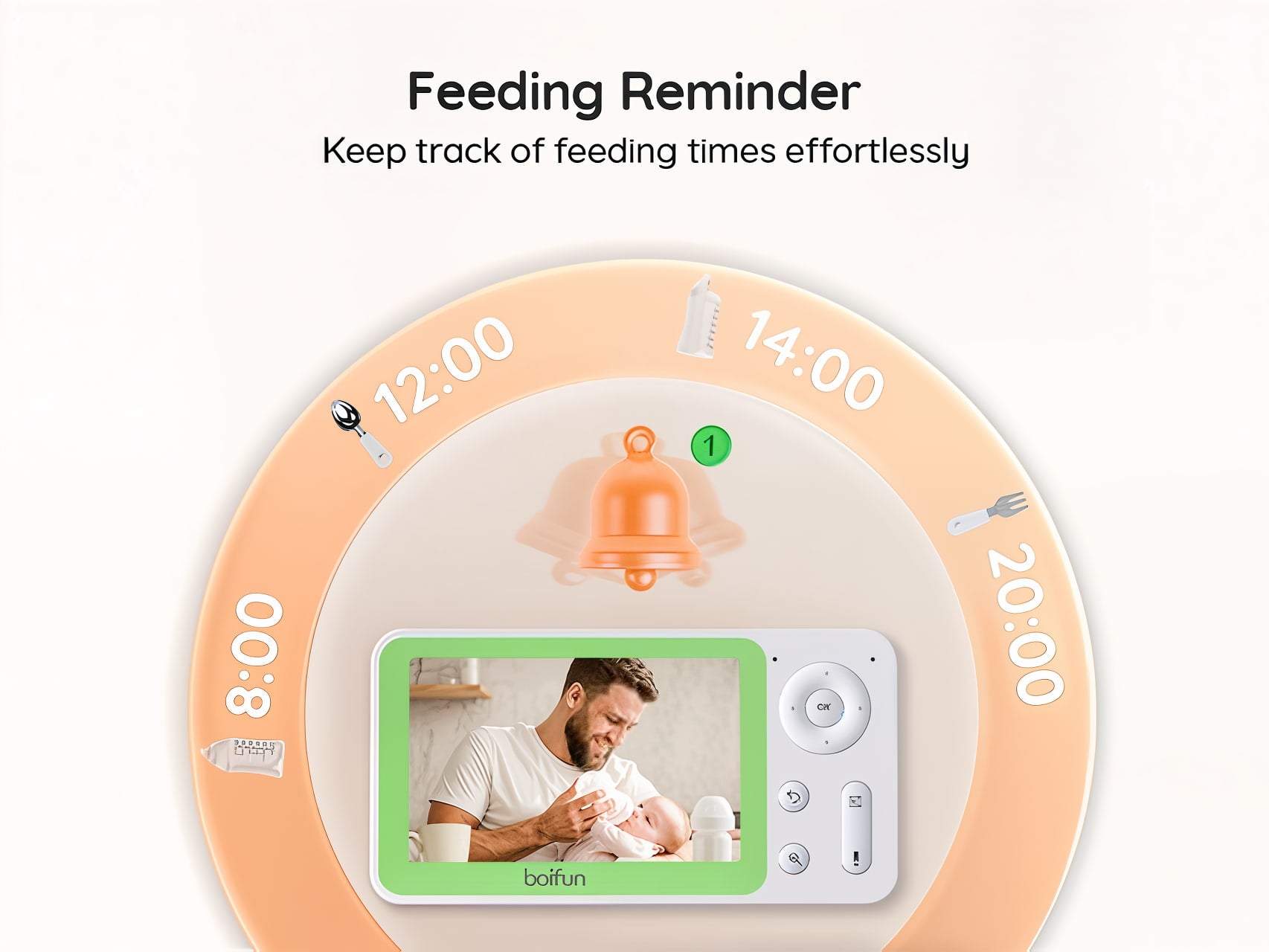
Feeding Reminder
Keep track of feeding times effortlessly
Over the past two years, Boifun has secured its position as the best-selling brand in its category in Canada, Italy, and Spain ...
BOIFUN, engaged in childcare for many years, is a leading audio and video provider. We keep moving forward and continue to provide quality and safety.
| Parameter |
 Baby 4TM
|
 Baby 6T
|
 Baby 7SM
|
|---|---|---|---|
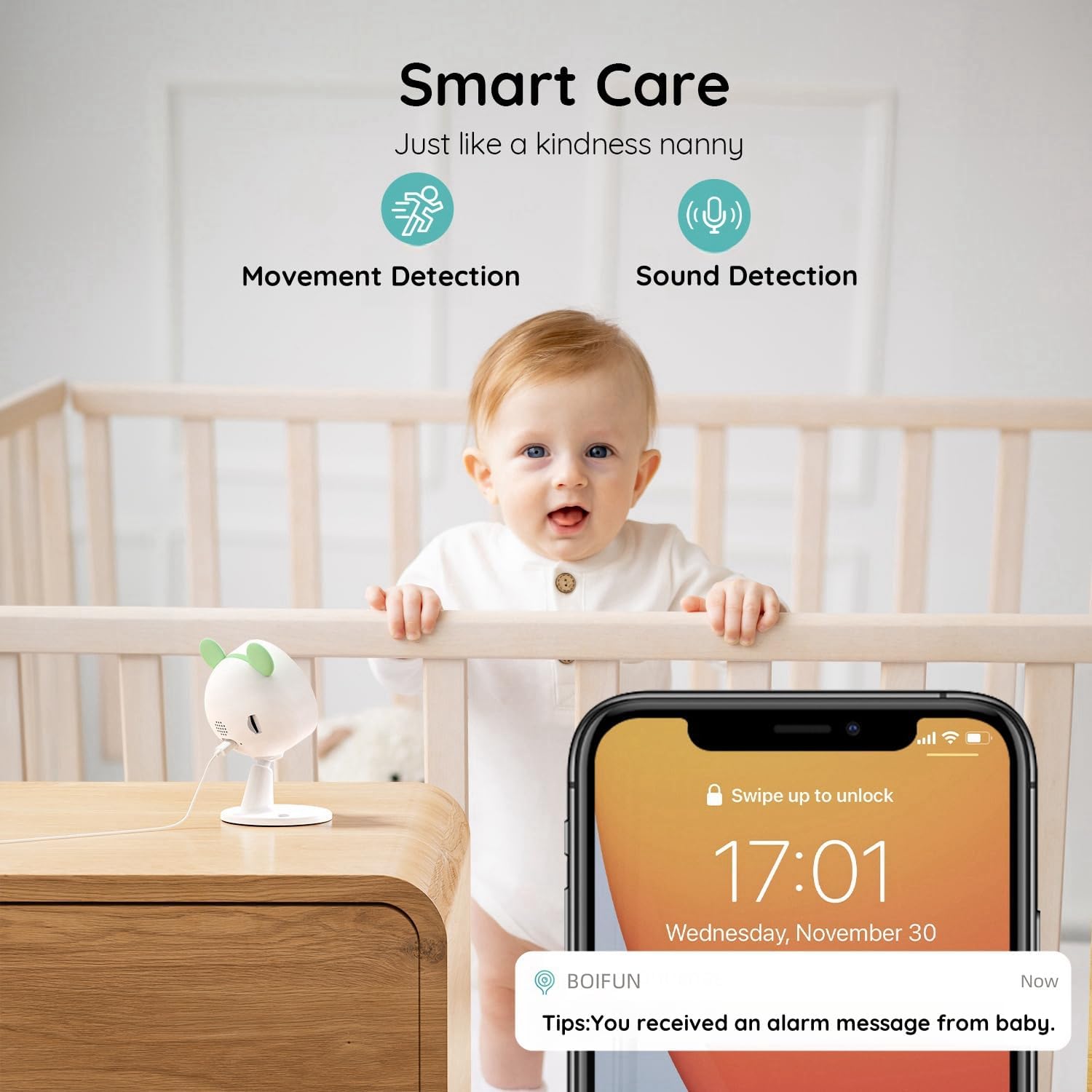
| Smart Function | Sleep · Face · Motion · Sound | Motion · Cry · Sound | Motion · Cry · Sound |
| Camera Resolution | 4MP | 2K | 1080P |
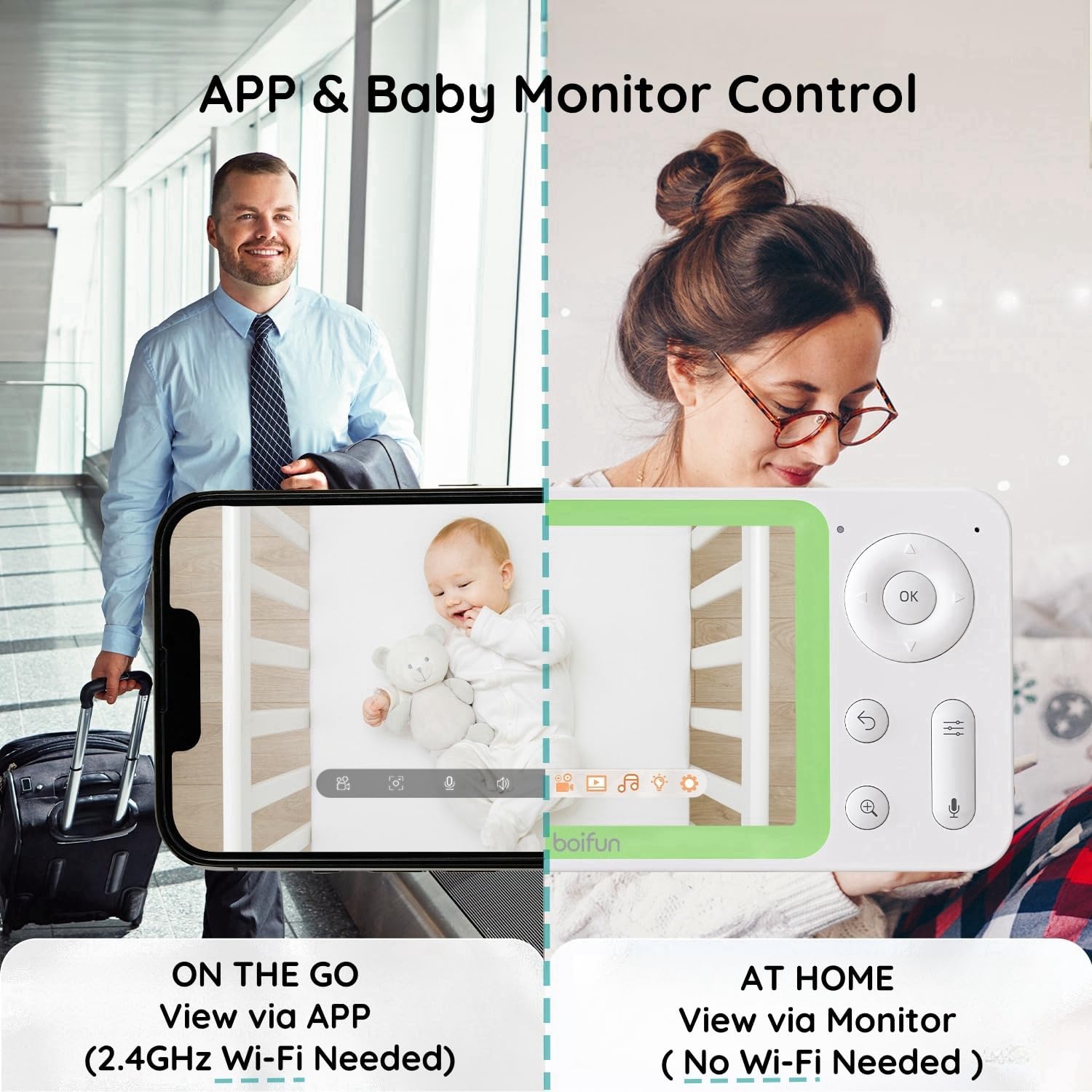
| Control Method | Parent Unit & APP | Parent Unit & APP | Parent Unit & APP |
| Sensor Equipped | Temperature & Humidity Sensor | Temperature & Humidity Sensor | Temperature & Humidity Sensor |
| Camera PTZ & Viewing Angle | 360° View | 360° View | Manual Rotation Only |
| Zoom Plus | 4× | 4× | 4× |
| Auto Tracking | ✔ | ✔ | ✘ |
| Multi-user Connection | ✔ | ✔ | ✔ |
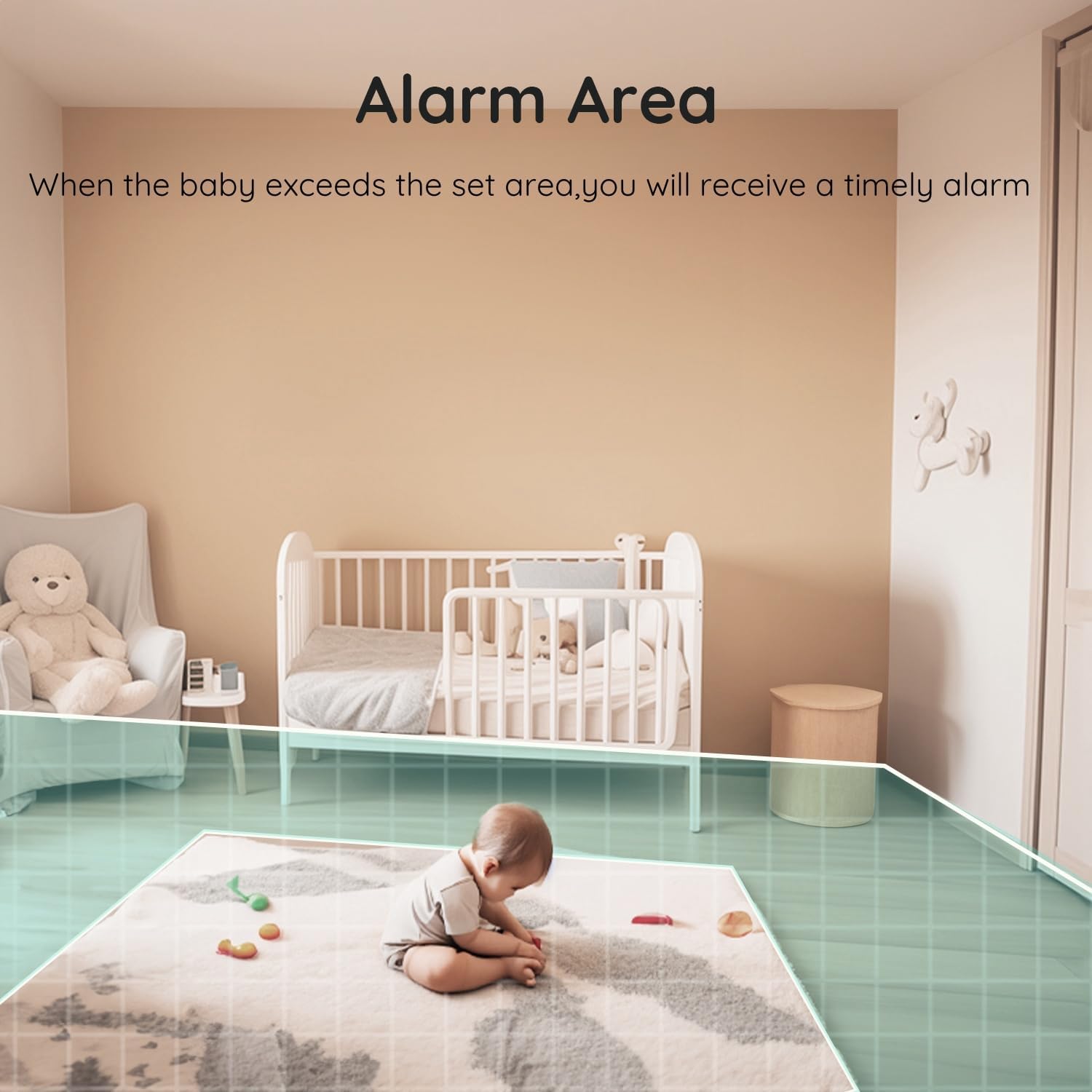
| Customized Alarm Area | ✔ | ✔ | ✔ |
| Colorful Night Light | ✔ | ✔ | ✘ |
| Display | 5.5" | 5.0" | 4.3" |
| Lullabies | 14 | 14 | 14 |
| Noise Detection | ✔ | ✔ | ✔ |
| Face Occlusion | ✔ | × | × |
| Photo Album | ✔ | × | × |
| Data Transmission | FHSS, Wi-Fi | FHSS, Wi-Fi | FHSS, Wi-Fi |
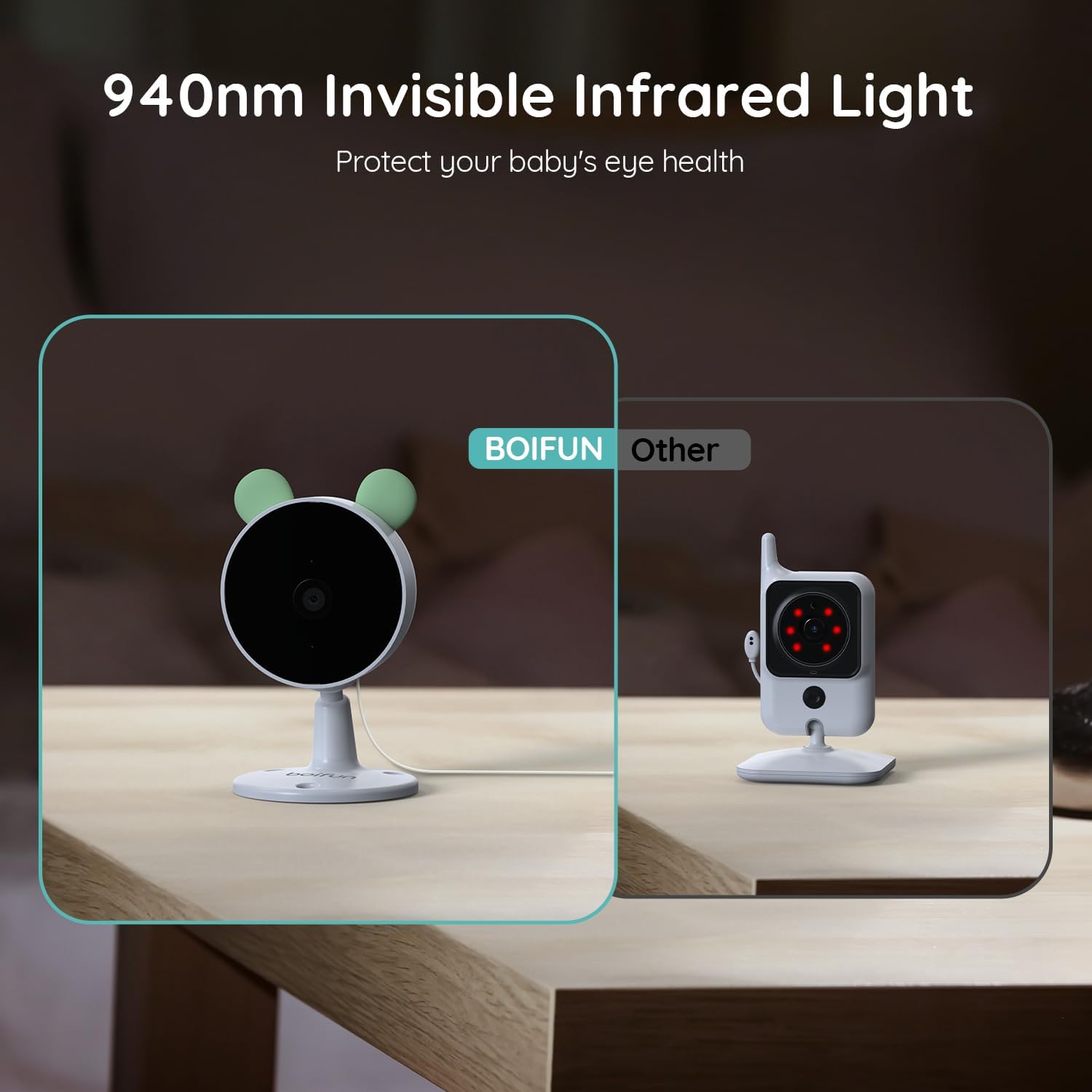
| Night Vision | 10m | 10m | 10m |
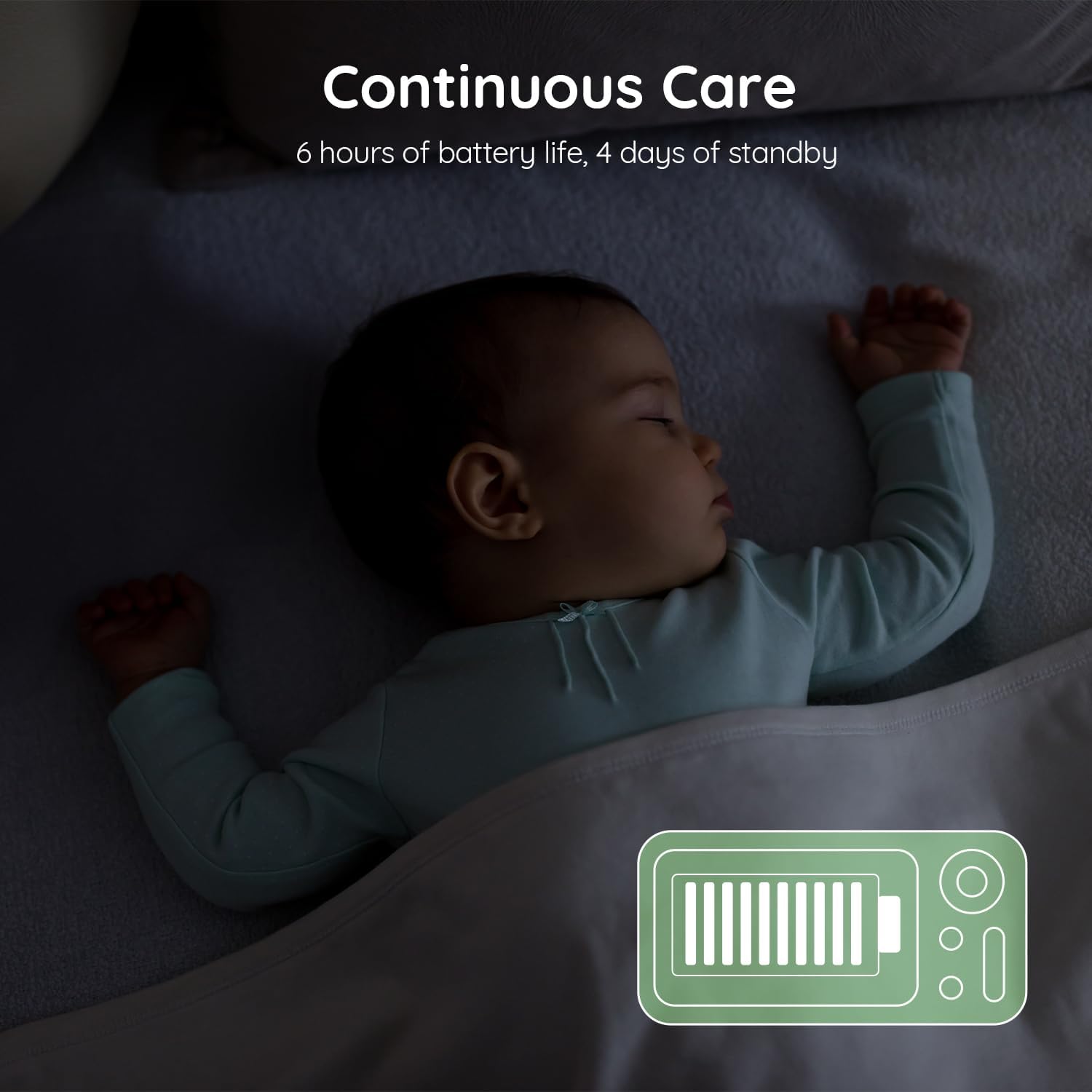
| Battery | 4000mAh | 3050mAh | 2500mAh |
FAQ
Learn More
The monitor cannot be previewed properly?
Check whether the moniltor has connected to the camera.If not, palr the camera and the monitor first.
Cannot find the pairing button?
The pairing button is the call button of the camera.Long press the button for 3 seconds,and follow the step instructions of the display. (To enter the pairing interface of the display,press the Menu button on the display screen, and select >Camera Management)
What if the monitor screen is stuck and it doesn't work while pressing any buttons?
Press the reset button of your monitor with the pin,and then long press the power button of your monitor to restart it.
Why I can't get the notifications with my cell phone App when I connect the camera to the monitor?
Please confirm that the App has been running on the phone,and the relevant reminder function has been opened; Message notification and outhority confirmation in the mobile phone system has been opened.
How can l add devices or configure my network?
The camera can be connected to both the monitor and the application.Generally, it connects to the monitor by defaut.
The sound and cry detection function does not work.
The sound detection interval is 1 minute,after the sound triggers the alarm,the interval is 1 minute again to avold frequent alarms. The cry detection function can detect most babies crying. This function uses a sound filtering algorithm,so some crying may not trigger the "cry detection"function;Please follow the steps below to connect the camera to the application.
1. Make sure the Wi-Fi network is a 24GHz network,as the camera does not support 5GHz Wi-Fi.
2. Download the appropriate application on your phone.Register a new account to sign in or sign in indirectly.
3. Press the Reset button to reboot the camera untl the red status light flashes slowly (you must connect the camera to the app within 2 minutes or you must reboot the camera again).
4. Follow the step-by-step instructions on your smartphone to add the screen and scan the QR code with the camera.
How is the picture quality of this baby monitor?
This baby monitor can provlde you with 2K/3MP Ultra HD resolution picture on moblle phone and 1080p HD resolution picture on display ,it also supports 2x and 4x digital zoom.
Are 4TM baby monitors safe? Can they be hacked?
Yes, 4TM baby monitors are safe as long as strong passwords and the latest encryption technologies are used. Our baby monitors use secure communication protocols, including HTTP, DHCP, DNS, TCP/IP, and RTSP, to ensure stable and reliable data transmission. To enhance security, we recommend choosing strong, unique passwords, avoiding default credentials, and keeping your firmware up to date. Additionally, securing your home Wi-Fi network with WPA3/WPA2 encryption and enabling firewall protection can further reduce the risk of hacking.
Can l set up motion tracking and alarm zones on the monitor?
No,you need to set the motion tracking and alarm area through the BoifunCam APP. lf you encounter any other problems,please send your order number and problem to admin@boifun.net Recelwing your message,we wll provide a fast solution via emall within 24 hours.
If you have any questions, you are always welcome to contact us. We'll get back to you as soon as possible, within 24 hours on weekdays.
-
Shipping Information
Use this text to answer questions in as much detail as possible for your customers.
-
Customer Support
Use this text to answer questions in as much detail as possible for your customers.
-
FAQ’s
Use this text to answer questions in as much detail as possible for your customers.
-
Contact Us
Use this text to answer questions in as much detail as possible for your customers.